
In 1982 Apple hired Frog Design to work out a new design language. As Hackaday recounts, that work produced eight non-functional "Snow White" concepts. They were industrial-design studies, not computers. Forty-four years later a builder who goes by wottle has made a working machine inspired by one of them. Snow White Happy Pi is a 3D-printable desktop enclosure built around a Raspberry Pi 5 and a 9.7-inch iPad display. The interface is an emulated Apple Lisa.
This is an independent hobby project. It has no affiliation with Apple or with frog design. The design files are public in the creator's GitHub repository.
A concept that was always meant to be thin
Real computers of the early 1980s had to make room for a CRT tube, so their cases were deep. A flat panel removes that limit, and wottle uses it to make the shape much shallower. Hackaday describes the result as slimmer than the original concept, which the CRT technology of the time would have limited. The README gives the numbers:
- Depth: 36 mm
- Display tilt: 7 degrees backward
- Bezel: an equal 18 mm on all sides
- Display: 9.7-inch iPad LCD
The finished build uses the LCD from an iPad 3 or iPad 4. According to the README, the older 9.7-inch iPad 1 and iPad 2 panels also work. The README says to use an HDMI controller matched to your exact panel, so check that pairing before you buy parts.
Inside the case
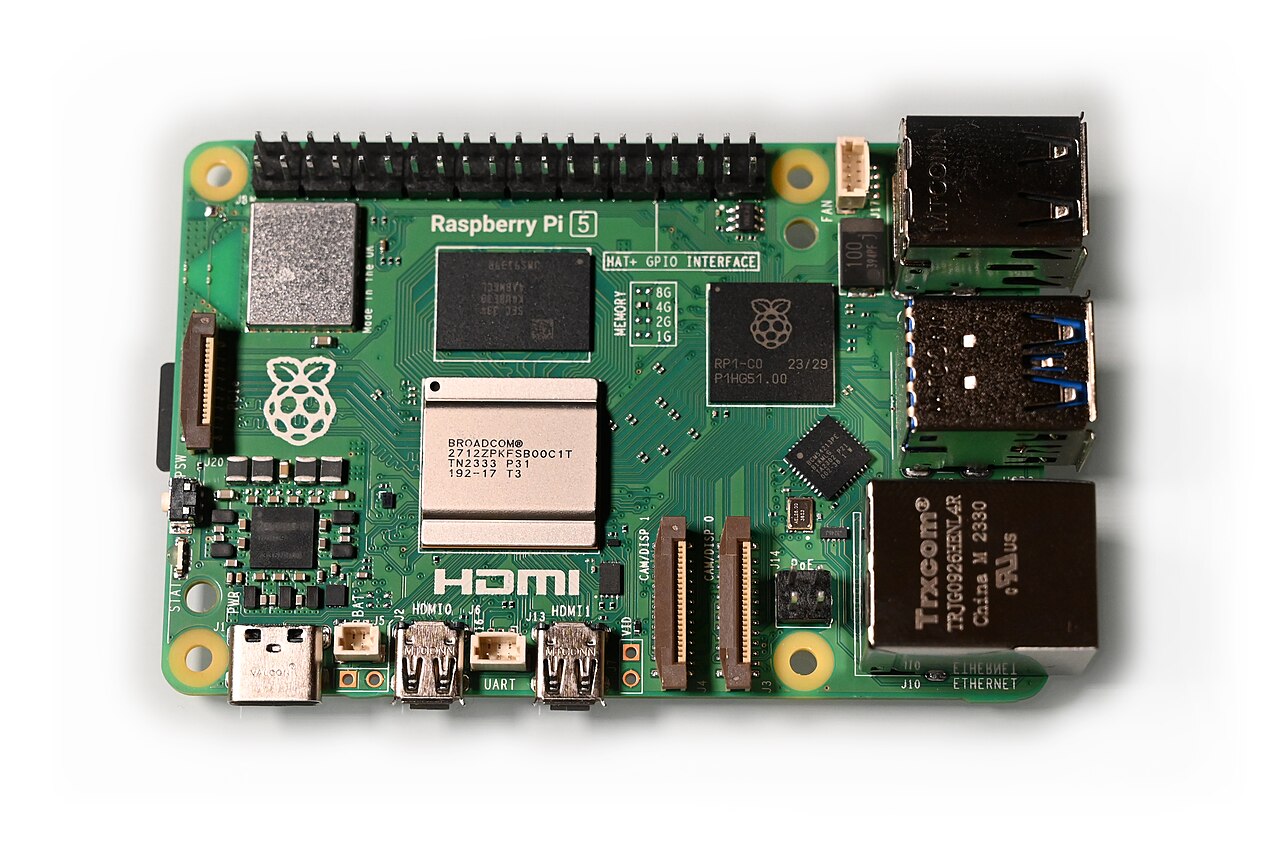
The computer is a Raspberry Pi 5 mounted on a removable tray. The tray exposes the Pi's USB, Ethernet and HDMI ports in a recess at the back. The README also lists an SD-card slot in the side of the case. That matters for an emulation machine, where you may want to try different disk images or OS setups.
The README says the Raspberry Pi 4 shares the mounting pattern but still needs an in-case fit check. Read it as "probably works, verify first," not as a supported alternative.
The whole unit runs from a single 12 V USB-C Power Delivery charger. According to the README, a PD trigger board feeds a small 12 V to 5 V supply module that powers the Pi and the display controller. The README does not give a current or wattage rating, and we won't guess one. Builders should follow the repository's BOM and documentation for the power path, and check voltages and ratings themselves, as the README advises. We don't cover wiring here.
Ballast, and a top-heavy warning
A tall, thin, tilted display on a small footprint tends to tip over. wottle's answer is hidden steel-bar ballast in the 3D-printed foot, which both the README and Hackaday mention. The README still warns that the case is top-heavy and says to keep it clear of edges while you test. That is worth noting if the machine will sit on a desk shared with children, pets or cables that get pulled.
What it doesn't do yet
The current build has no built-in sound and no external power button, according to both the repository and Hackaday. Any audio has to come from outside the case. The README says the case has no power switch of its own, and that the author put an inline USB-C power switch in the power cable. The author writes that they may add both sound and a switch in a future revision. The repository showed two commits when we looked, and the README lists the files as v0.9f, so this is an early public release, not a mature project with a long revision history.
The software: an emulated Lisa
The enclosure copies a Snow White-era concept, but the software goes further back. Hackaday reports that wottle chose the LisaEm Lisa emulator as the interface, which gives the machine an OS from the same period as the Snow White studies.
LisaEm is a separate, long-running project. Its home page lists release candidates of version 1.2.7, the latest dated 2022.04.01 (the fourth release candidate), and also notes a 2015 version for Raspberry Pi built off the 1.2.6 tree. That is useful background on the emulator. The pages we read don't say which LisaEm build wottle runs on the Pi 5, so we won't name one. The README points to a SOFTWARE.md file in the repository with display mode, emulator settings and performance findings. If you want to reproduce the software side, start there and with the LisaEm project page.
Printing it
The README lists the print materials as Polar Filament Retro Platinum PLA for the light parts and Sunlu black PLA for the black parts, and says any similar pair works. The repository includes a Bambu Studio 3mf project that lays all parts out on four plates for a 256 x 256 mm bed. The README says every part also fits a 250 x 250 mm bed, with the biggest footprints at 233 x 197 mm, so most current mid-size printers can handle it. The long print, lower_body, measures about 130 x 150 x 170 mm and is printed on its side. The README advises printing the fit coupons first and checking your panel before printing the full housing.
Besides the STLs, the release includes STEP files and the CAD source, a CadQuery script that generates the geometry. The rebuild scripts need Python 3.10 or newer. You can change the parametric source itself, for example to fit a different panel or Pi, instead of working on the output meshes. A bill of materials and assembly guide are included.
What It Means for Makers
Snow White Happy Pi is aimed at retro-computing hobbyists who want a dedicated, good-looking emulation box, and at makers with an iPad 3 or iPad 4 they no longer use. The build reuses that panel and doesn't need a new display. If you have an iPad 1 or 2 panel, the README says it also works with an HDMI controller matched to that panel. Because the CAD source is released as a script, the project also works as a starting point for other slim Pi all-in-ones.
Its main value is the industrial design. The author reports printing, assembling and running a complete Pi 5 build, which makes this a printable enclosure that makes a Pi 5 look like a finished object. The tradeoffs are clear: no built-in audio, no power switch in the case itself, a top-heavy footprint that needs the steel ballast, and Pi 4 support that has to be checked by hand.
On price and availability: the sources give no kit price and describe no product for sale. The project is available now as a free download of STLs, STEP files, CAD source and a BOM from wottle's GitHub repository, licensed CC BY-NC-SA 4.0. That license allows building, modifying and sharing with credit under the same terms. It does not allow commercial use, so anyone thinking of selling printed cases or kits would need permission from the creator. Builders supply and pay for their own Raspberry Pi 5, iPad LCD, display controller, USB-C PD charger, PD trigger, steel ballast and filament.
